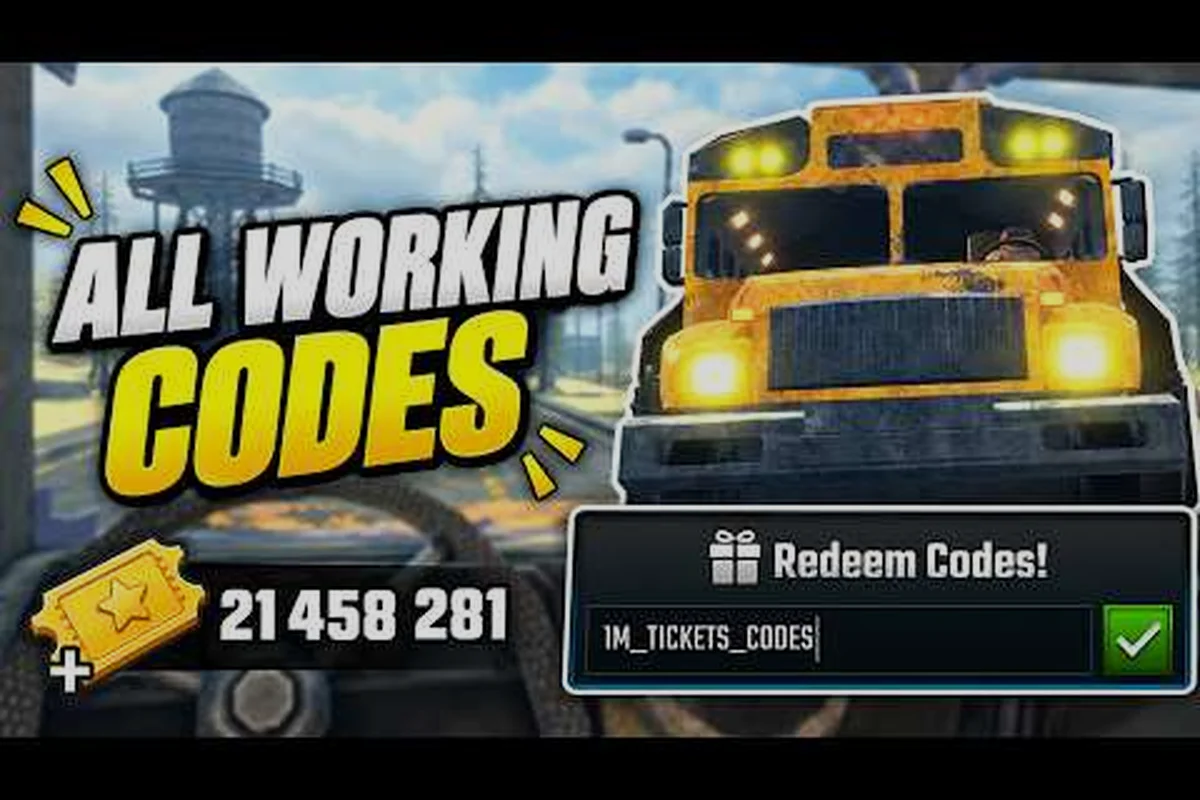
Last Stop active codes shift with every patch, and the developer does not pin a permanent list anywhere, so the only way to know which ones still pay out is to check them against the current build. This guide walks through the codes reported as working in the community as of the September 2026 check, flags the ones that have quietly expired, and explains the fastest fix when a code refuses to redeem so you do not waste tickets on a typo.
Last Stop Active Codes and What Each One Pays Out
The Hidden Route does not maintain an in-game code directory, so every active entry below is community-reported and re-checked after each patch. Because Roblox codes can expire without warning, treat this list as a snapshot, not a guarantee. For a broader sweep of patch-day drops, the running last stop code list collects entries the moment they surface, including the ocean-themed strings from the Update 3 wave.
| Code | Status (Sept 2026) | Reported Reward | Patch Window |
|---|---|---|---|
| WUPDATE | Active | Free cash bundle | Update 2 (Nightmare) |
| Ocean | Active | Free cash bundle | Update 3 (Ocean) |
| UPDATE3 | Active | Free cash bundle | Update 3 (Ocean) |
| RELEASE | Expired | Starter pack | Launch (Aug 2026) |
| NIGHTMARE | Expired | Nightmare-mode boost | Update 2 launch day |
| HALLOWEEN | Expired | Cosmetic crate | October 2025 test |
A few notes on the table: the three active entries are the ones players have confirmed paying out during the September 20 check, while the expired rows are included because they still circulate in older YouTube guides and Discord screenshots. If a code is on the expired side, do not bother retyping it, because the redemption prompt will simply refuse and burn the attempt silently.
The reward column is intentionally vague because the developer has never published exact payout values, and the player base has only a rough consensus on what each one grants. Community testing on the last stop ocean codes video by Major Patrix suggests WUPDATE, Ocean, and UPDATE3 each drop a free cash bundle sized for early-Stop-1 progression, but treat the numbers as approximate until the developer posts a confirmation.
Why the Reward Numbers Are Not Public
Roblox codes in this title are tied to soft-currency drops, and the developer has not published an official reward sheet anywhere on the game's About page. Community reports on YouTube and Discord only confirm the codes redeem successfully, not the exact cash value, so the best you can do is redeem each active code at the start of a run and let the in-game notification tell you the bundle size. The lack of an official reward table is one reason players keep a personal log of which strings they have already burned.
The Redemption Prompt, Step by Step
The redemption flow lives in the main menu, and once you know the button layout it takes a brief window to claim a bundle. The prompt is a single text field plus a confirm button, so the only real failure mode is mistyping a character or trying a code that has already burned through its server-side cap.
| Step | Action | What You See On-Screen |
|---|---|---|
| 1 | Launch the game and wait at the title screen | Main menu with the Play button |
| 2 | Click the Codes icon (right-side cluster) | A modal window with a text field |
| 3 | Type the code exactly as written (case-sensitive) | Field shows the string in caps |
| 4 | Hit the green Redeem button | Notification pops with the reward |
| 5 | If it fails, the modal stays open and shows a generic error | "Code not found" or "Code expired" |
The Codes icon is easy to miss because it sits next to the Settings and Shop buttons, so if your screen looks unfamiliar, hover over each icon until the tooltip says "Codes" before clicking. Once the modal opens, paste the code from this page rather than typing it by hand, because a single lowercase letter is enough to make the system reject the string.
Codes That Refuse to Redeem: Last Stop Codes Not Working
A "code not found" response is the most common error, and it almost always traces back to one of three root causes. The fastest way to diagnose is to run through this checklist before assuming the code is dead.
-
Typo or case mismatch: Roblox redemption is case-sensitive, and the active codes are all-caps, so a single lowercase letter will trigger the error. Retype the string exactly as printed in the list above.
-
Expired silently: The developer does not announce expiry dates, so a code that worked last week can stop paying out after a server restart. Cross-reference against the expired table in the section above.
-
Server-side cap reached: Some free cash codes are first-come-first-served, and once a fixed pool runs out the code technically still exists but pays nothing. The redemption prompt still shows success but the reward is zero.
If all three checks pass and the code still fails, the safest move is to relaunch the game and try once more, because some redemption events only register after a clean server handshake. Players also report that codes work more reliably when redeemed at the title screen rather than mid-run, because the in-game HUD sometimes swallows the modal input.
Last Stop Update 2 Codes and the Nightmare Drop
Update 2 introduced Nightmare Mode and the Alien lineup, and the developer marked the patch with a short-lived set of codes that most players have since burned through. The only Update 2 string that has survived into the September 2026 window is WUPDATE, which is the patch-day drop tied to the Nightmare release. The rest of the Nightmare-era codes have been retired, and retyping them now just spams the error log.
| Update 2 Code | Status | Original Window |
|---|---|---|
| WUPDATE | Active | Patch day through present |
| NIGHTMARE | Expired | Patch day only |
| DARKRIDE | Expired | First week of Update 2 |
| ALIEN | Expired | Alien Bus launch week |
The Update 2 drop is also a good reminder that patch-day codes tend to have the shortest shelf life, because the developer burns the entire reward pool within the first 48 hours to drive launch traffic. If you want to catch the Update 4 codes when they drop, the safest bet is to redeem on patch day itself rather than waiting for a weekend recap video. The same pattern is already showing up with last stop update codes, where the WUPDATE entry from the Update 2 drop is the only one still on the active side.
Last Stop Nightmare Codes: What Is Still Worth Claiming
Strictly speaking, the only Nightmare-era code that still pays out is WUPDATE, which the community treats as the de facto Nightmare drop even though it has carried over into the Update 3 window. Players who joined after the Update 2 launch should still type WUPDATE first, because the redemption pool has not been confirmed as capped, and the free cash bundle is sized for the early-Stop-1 grind.
For a deeper breakdown of how the Nightmare mode itself changed the meta, the last stop beta codes page pairs the redemption list with a summary of which Nightmare classes and buses were added in the same patch. That context matters because some players assumed the Nightmare codes would unlock Nightmare-only classes, which is not the case, and the codes are purely a soft-currency handout.
Last Stop Codes for Cash: The Free Cash Bundle Loop
The active codes in this title are all soft-currency drops, so if your goal is to stack cash for an early bus upgrade, the cleanest approach is to redeem every active code at the title screen before starting a run. The three confirmed active entries add up to a meaningful head start, and combined with the daily-quest cash trickle they let a new player skip the first scavenge loop on Stop 1.
| Strategy | Cash Return | Time Cost |
|---|---|---|
| Redeem all three active codes at title screen | mid-Stop-1 budget | About a minute |
| Run daily quests for cash | Stop-2 budget per reset | 10-15 minutes |
| Combine codes with first-run scavenging | Stop-3 budget | 20-30 minutes |
| Skip codes, grind only | Baseline Stop-1 budget | 15 minutes |
The cash return values are approximate because the developer has not published exact payouts, but the pattern is consistent across community testing: redeeming the active codes front-loads enough cash to skip the first scavenge trip, which matters on solo runs where time is the limiting factor. The combination row in the table is the recommended approach, because the cash from codes covers the first bus upgrade and the scavenge haul covers the second.
If you are running co-op, the same three codes only pay out once per account, so the marginal value drops after the first player redeems. In a squad, the best practice is to have the host redeem the codes at the title screen, then share the resulting cash via the in-game trading post rather than asking each player to grind the same code path.
Last Stop Free Cash Codes vs Grinding: The Math
Players who skip the code step and go straight into a run typically spend the first 15 minutes of Stop 1 scavenging cabins and dumpsters to hit the same cash total, which is a meaningful time tax on a solo run. The free cash codes are designed to compress that loop, and on a fresh account they pay back the about a minute of typing within the first scavenge cycle.
For beginners, the priority order is: redeem codes, run daily quests, then start the first scavenging loop. The codes cover the bus-upgrade cash, the daily quests cover the class-ticket cash, and the scavenge loop covers the weapon-ammo cash. Splitting the economy that way is the only way to make all three loops fit inside the early-Stop-1 budget without burning sleeping bags on bad night cycles.
Troubleshooting Last Stop Codes: Expiry, Caps, and Server Glitches
The most common frustration is a code that worked yesterday suddenly failing today, and the failure mode is almost always one of three root causes. Running through this checklist before declaring a code dead saves the wasted effort of cross-checking three different YouTube guides.
-
Code expired with the patch: The developer retires codes silently with each server restart, so a string that worked on Update 2 launch day may not survive into Update 3. Always re-verify the active list after a patch drops.
-
Server-side cap reached: Some codes are capped at a fixed number of redemptions, and once the pool runs out the code still validates but pays zero. The redemption prompt will say success while the reward is empty.
-
Regional or platform split: A small number of codes have only worked on PC Roblox clients and refused to redeem on mobile, though community reports on this are mixed. If you are on mobile, try redeeming on the PC client first.
For a deeper dive on which codes have already cycled out, the last stop codes for money page maintains a longer retirement log that includes the Halloween and launch-day strings. The retirement log is the single best sanity check when a code refuses to redeem, because it confirms whether the string has already burned through its payout window or whether the failure is a fresh glitch.
When to Wait vs When to Move On
If a code fails the first attempt, the recommended move is to relaunch the game and try once more, because some redemption events only register after a clean server handshake. If the second attempt also fails, cross-check the string against the active list above. If the string is on the active list and still refuses to redeem after two attempts, it is safe to assume the code has hit its server-side cap and will not pay out again until the developer issues a fresh batch.
Players who want to stay ahead of the cycle should bookmark the last stop roblox codes page, which is updated within minutes of a new code drop on the developer's social channels. That page also tracks the Update 4 window, which is the next likely patch where the developer will issue a fresh round of free cash codes tied to whatever the next biome or class addition turns out to be.
Where New Last Stop Active Codes Drop First
The developer does not maintain an in-game code directory, so the fastest signal for a new drop is the official Roblox group and the developer's social channels. Community tracking shows that patch-day codes usually land within two hours of the update going live, and they tend to burn through their payout pool within the first 48 hours, so redeeming on patch day is the only reliable way to catch the full set.
| Channel | Speed | Reliability |
|---|---|---|
| Roblox group posts | Fast (within 2 hours of patch) | High |
| Developer X/Twitter | Fast (within 2 hours) | High |
| Community YouTube | Medium (4-12 hours) | Medium |
| Discord screenshots | Variable | Low (often reposted expired strings) |
| Third-party code sites | Slow (12-24 hours) | Low (lots of expired entries) |
The Roblox group post is the single fastest authoritative signal, and players who join the group get a notification the moment the developer publishes a new code. Community YouTube channels like Major Patrix and BlaxieBLOX typically pick up the codes within the same day, so they are a good secondary source for players who are not on the Roblox group. Third-party code sites are the slowest and the least reliable, and they are the most common source of expired strings that still circulate in older guides.
How Long Active Codes Usually Last
The pattern across Update 1, Update 2, and Update 3 is that patch-day codes have a 48-hour peak window and then taper off, while evergreen codes like WUPDATE can carry over across multiple patches. The developer has not published an official expiry policy, so the only way to know whether a code is still alive is to test it directly.
For a final sanity check, the running YouTube recap at Roblox LAST STOP NEW UPDATES are INSANE by bwoo covers the broader patch cycle, and the ocean-specific recap at Last Stop Roblox Ocean Update by BlaxieBLOX focuses on which Update 3 codes are still paying out. Both videos are useful for confirming whether a code has survived a recent server restart, because the community comment section usually flags dead codes within hours of a patch.
A Seven-Step First-Redemption Routine
The fastest way to claim the full free cash bundle is to redeem the three active codes at the title screen before starting a run, then run the daily-quest cash loop on the first Stop. The combined bundle covers the first bus upgrade and the first class ticket, which is the cleanest head start a new player can ask for without spending Robux.
| Step | Action | Time | Result |
|---|---|---|---|
| 1 | Redeem WUPDATE, Ocean, and UPDATE3 at title screen | About a minute | Free cash bundle |
| 2 | Run daily quests for the cash trickle | 10 minutes | Class-ticket cash |
| 3 | Start first scavenge loop on Stop 1 | 15 minutes | Weapon-ammo cash |
| 4 | Buy the first bus upgrade with code cash | 2 minutes | Tire or armor slot |
| 5 | Hold remaining cash for the class ticket | n/a | Reserved for Stop 2 |
The order matters: redeeming the codes first front-loads the bus-upgrade cash, which is the single highest-value purchase in the early game, and the daily-quest cash covers the class-ticket cost without dipping into the scavenge haul. Skipping the code step and going straight into a run costs roughly 15 minutes of grind time, which is a meaningful tax on a solo run where every minute counts.
The September 2026 window is the calmest the code cycle has been since launch, with only three active entries and a stable patch cadence. The next likely shift is the Update 4 drop, which will almost certainly retire the Update 3 strings and add a fresh round tied to whatever the next biome or class addition turns out to be, so the safe move is to redeem the active set now and re-check this page after the next patch goes live.
Frequently Asked Questions
Which Last Stop active codes are still working in September 2026?
The three confirmed active entries are WUPDATE, Ocean, and UPDATE3, all of which drop a free cash bundle sized for early-Stop-1 progression. Community testing on the Update 3 recap videos confirms they still pay out as of the September 20 check, though Roblox codes can expire silently after a server restart, so it is worth re-verifying the list after any future patch.
What should I do if a Last Stop code is not working?
Run through the typo, expiry, and server-cap checklist before assuming the code is dead. Retype the string exactly as printed, cross-reference against the expired table, and relaunch the game to force a clean server handshake. If the code still fails after two attempts, it has likely hit its server-side cap and will not pay out again until the developer issues a fresh batch.
Are there any Last Stop Update 2 codes still active?
The only Update 2 string that has survived into the September 2026 window is WUPDATE, which was the patch-day drop tied to the Nightmare release. The other Nightmare-era codes like NIGHTMARE, DARKRIDE, and ALIEN have all been retired, and retyping them now just spams the error log. The pattern across Update 1, Update 2, and Update 3 is that patch-day codes have a 48-hour peak window, so redeem on patch day to catch the full set.
Do the free cash codes give enough to skip the early grind?
Yes, redeeming all three active codes front-loads enough cash to skip the first scavenge trip on Stop 1, which matters most on solo runs where time is the limiting factor. The combined bundle covers the first bus upgrade and most of the class-ticket cost, and pairing the codes with the daily-quest cash loop leaves a meaningful head start for the first night cycle. Skipping the code step costs roughly 15 minutes of grind time, so the about a minute of typing is a clean trade.
Where do new Last Stop active codes drop first?
The fastest authoritative signal is the official Roblox group and the developer's social channels, which usually post new codes within two hours of a patch going live. Community YouTube channels like Major Patrix and BlaxieBLOX pick up the codes within the same day, and the third-party code sites are the slowest and least reliable source. For a running list that updates within minutes of a new drop, the last stop code list page is the cleanest single reference to keep bookmarked through the next patch cycle.